Linking with your partner
Fondr is built for two. To use the app, you need to pair with your partner using an invite code. One person creates the code, the other enters it.
1
Sign in
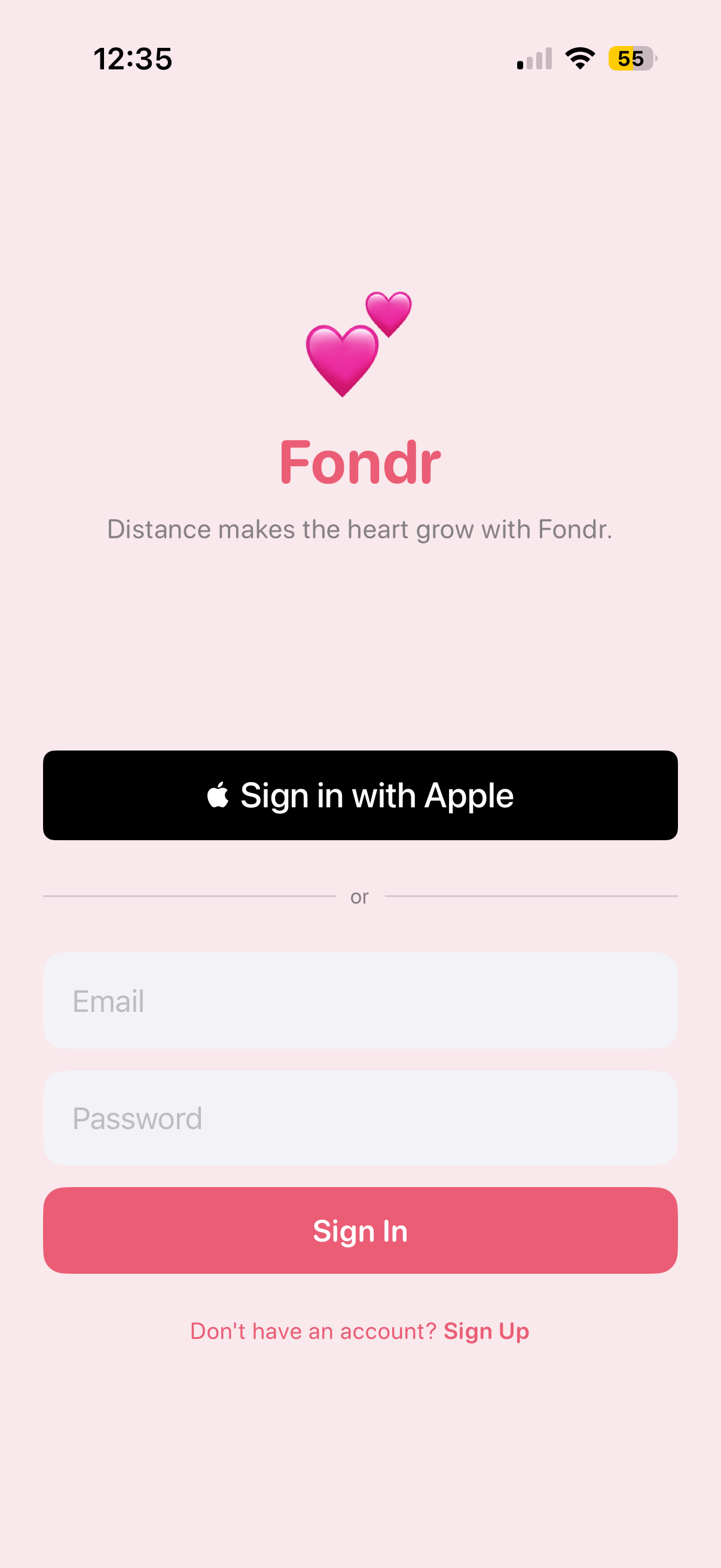
Open Fondr and sign in with your Apple account or email. Complete the short onboarding to set your display name.
2
Create an invite code
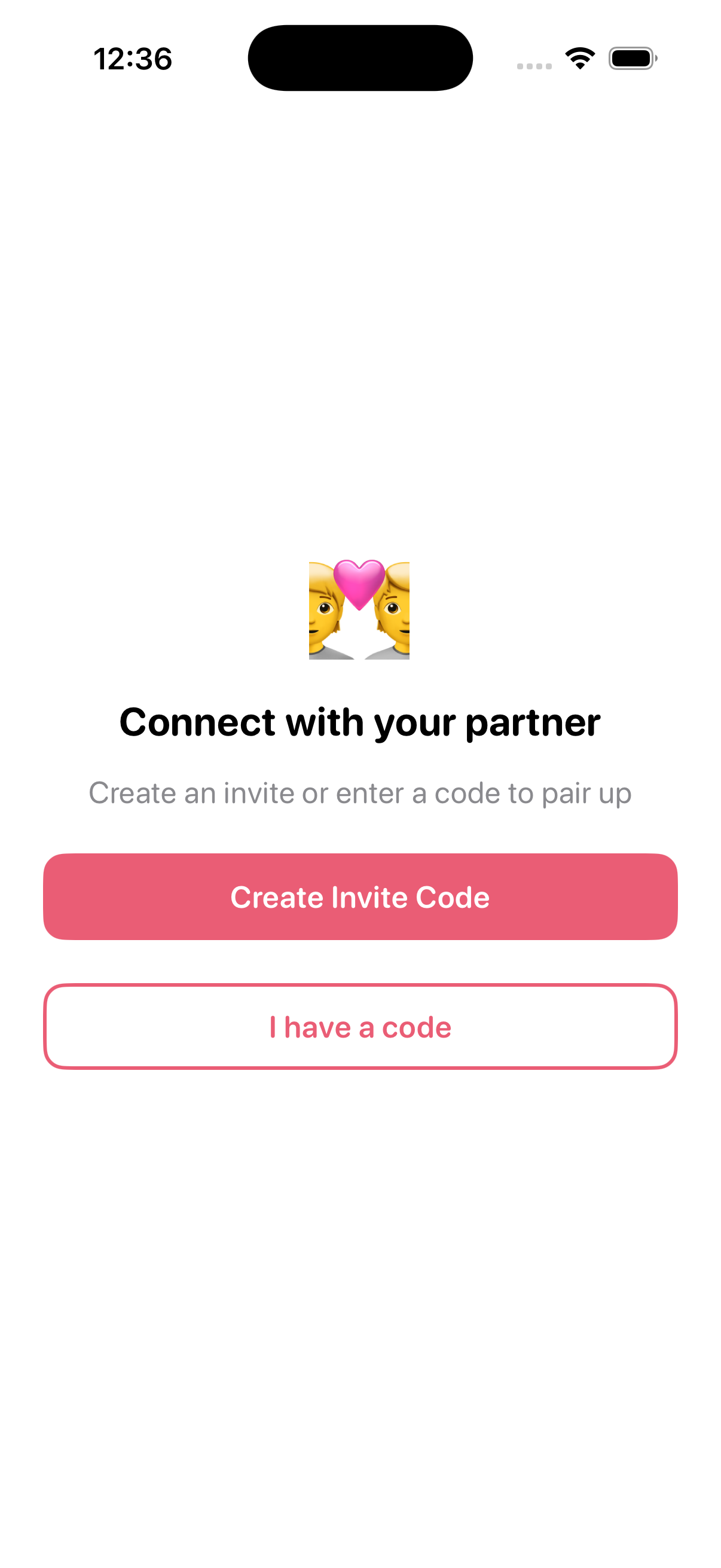
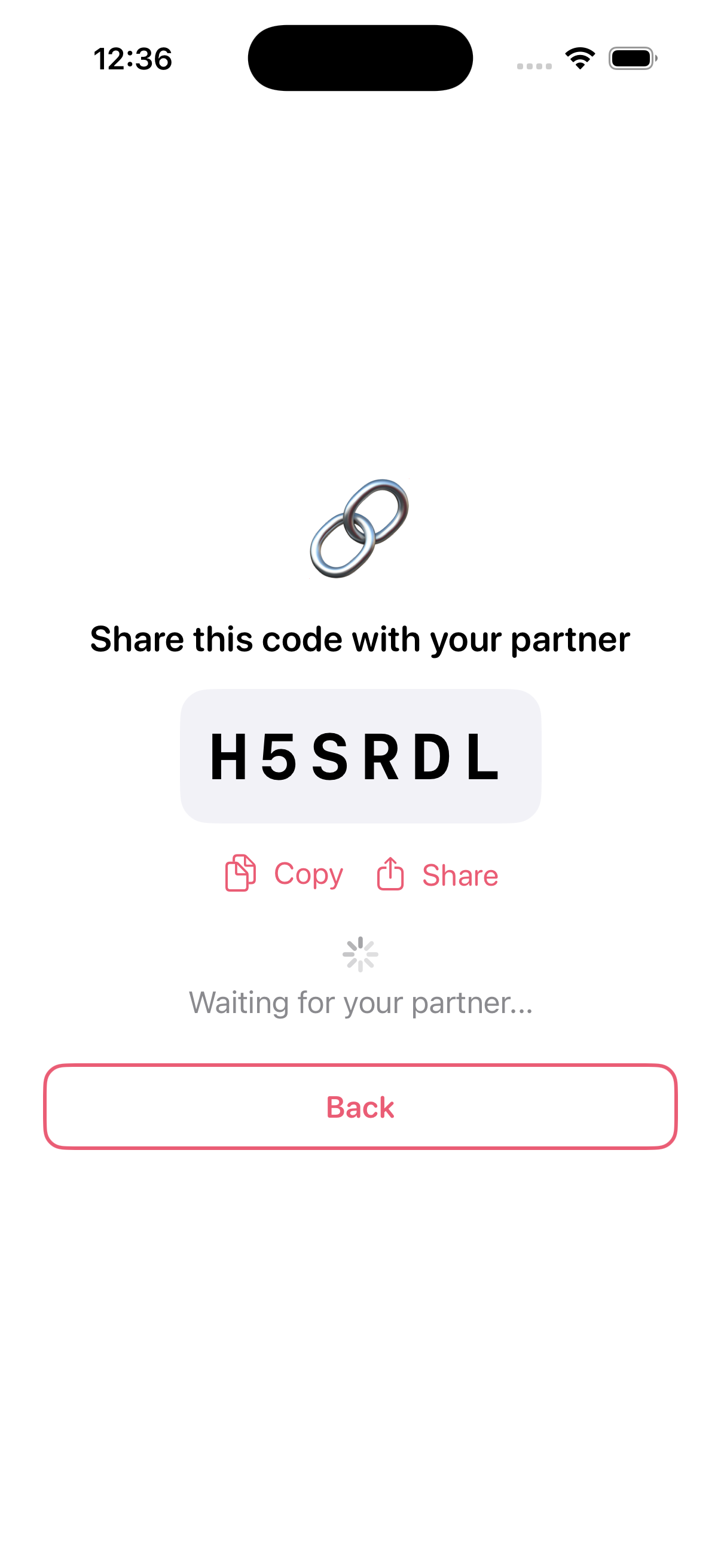
On the pairing screen, tap Create Invite Code. A unique 6-character code will be generated for you. Share this code with your partner via text, email, or any way you like.
3
Your partner enters the code
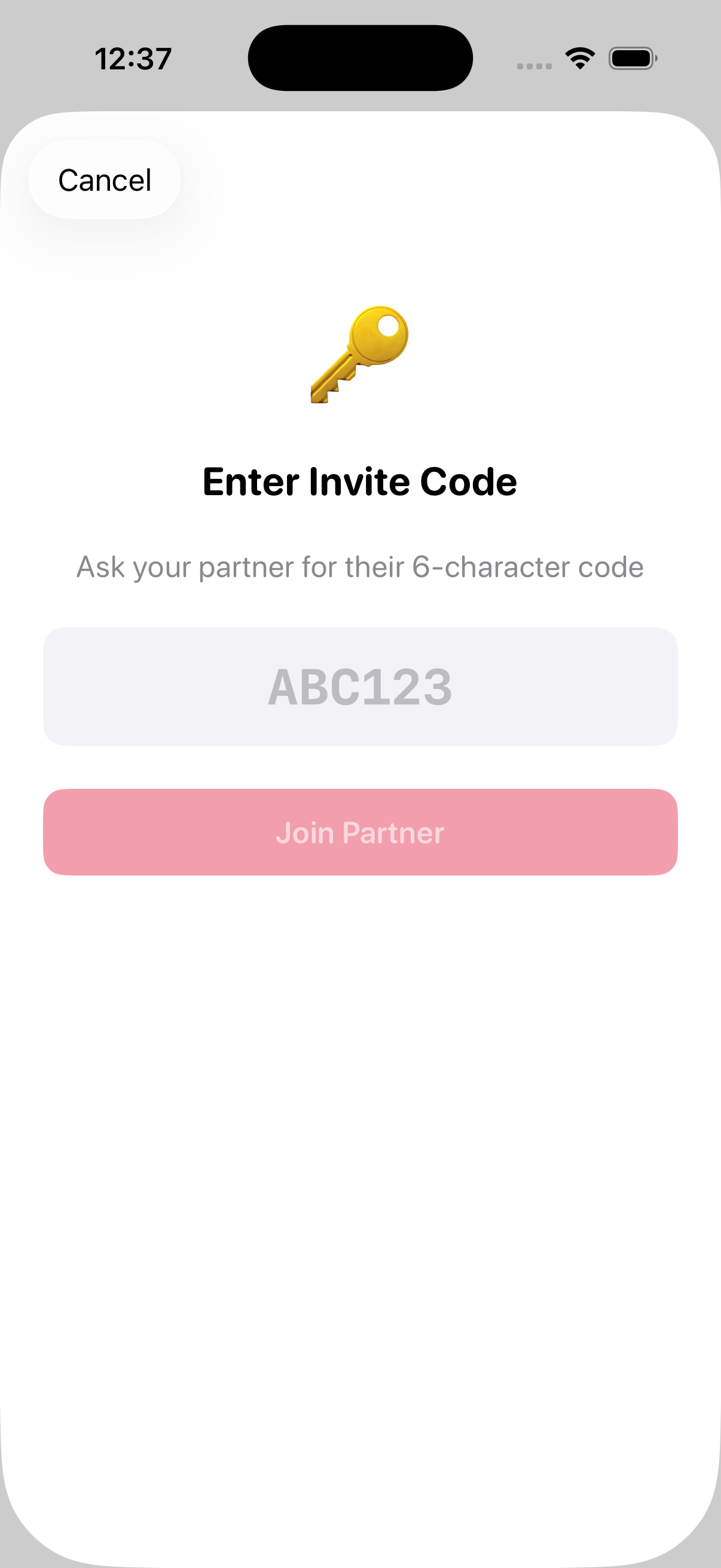
Your partner opens Fondr, signs in, and taps I have a code. They enter the 6-character invite code you shared and tap Join Partner.
4
You're paired!
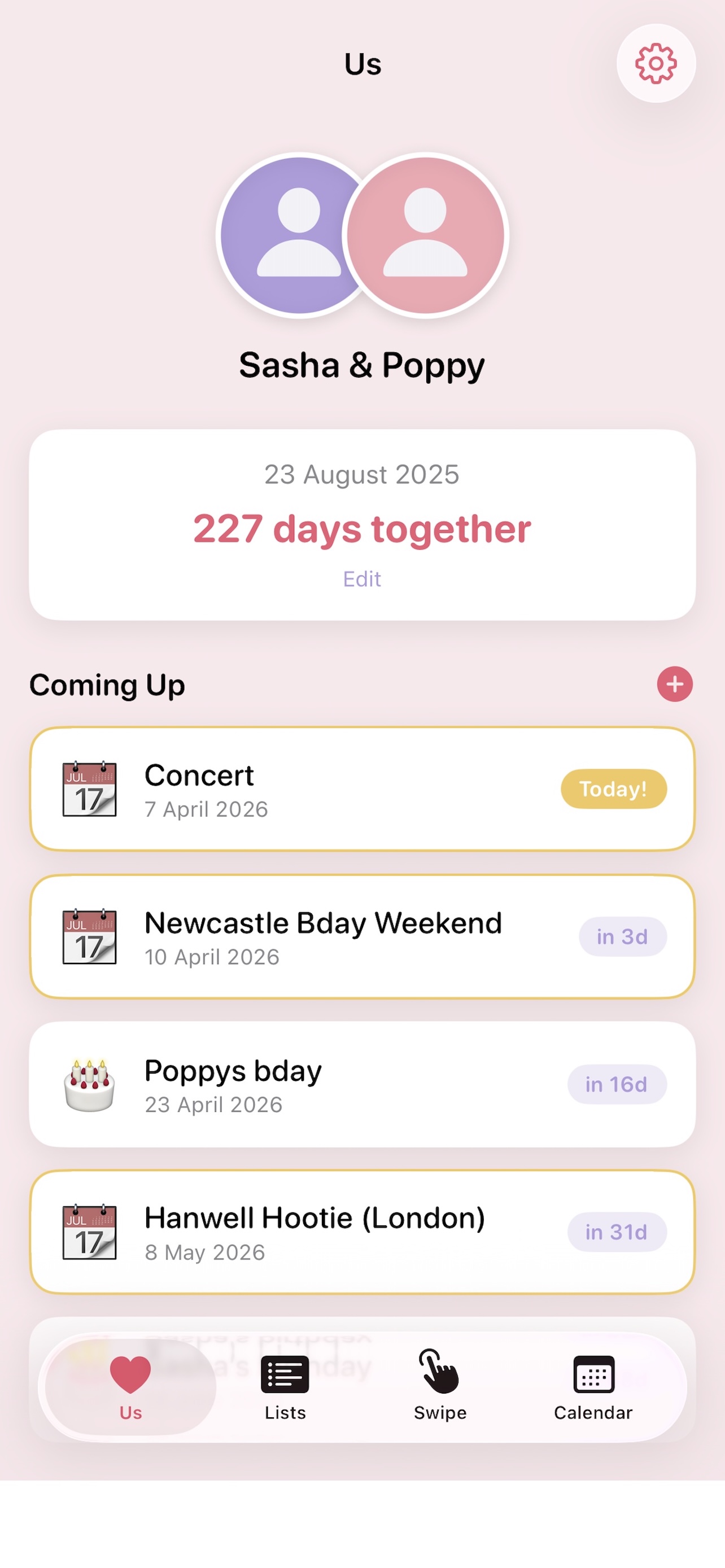
Once your partner enters the code, you're instantly connected. Both of you will see the main app with all shared features unlocked.
Tip: Each invite code can only be used once. If the code expires or doesn't work, simply go back and create a new one.